
Table of contents expand_more
How to create your OpenGlob account
Creating your OpenGlob account is simple and only takes a few minutes. Once created, this account becomes your identity across all OpenGlob services.
To begin, open your browser and go to:
When the page loads, you will see the OpenGlob sign up interface.
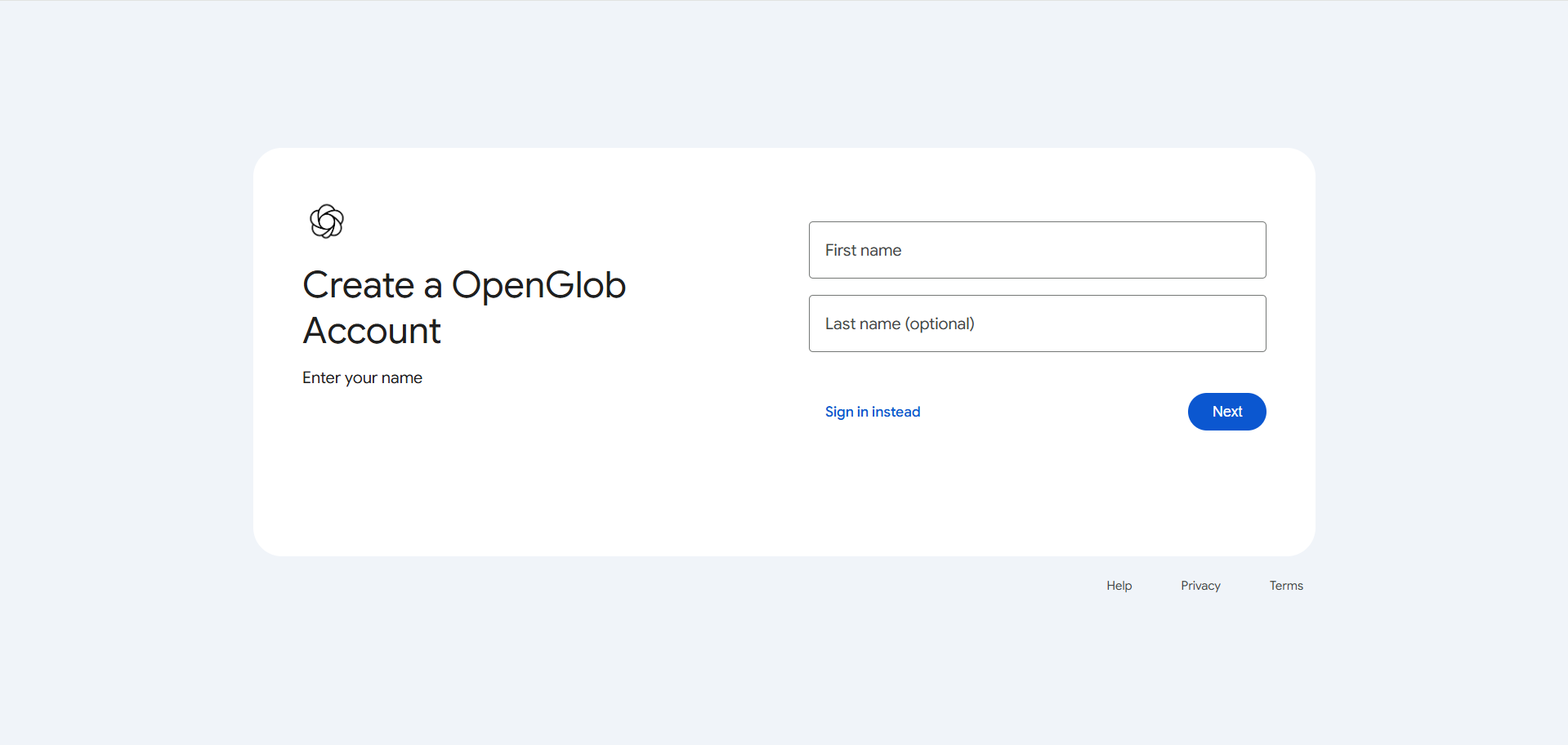
The page is intentionally minimal. You’ll see fields for your email address and password, along with a button to continue.
Start by entering the email address you want to use as your OpenGlob identity. This email will be used whenever you sign in across OpenGlob services.
Next, create a secure password. Choose something unique and difficult to guess. Even though OpenGlob is currently in preview, it is still important to use a strong password that you do not reuse elsewhere.
As you type your password, you may see guidance about strength requirements depending on the current version of the interface.
Here’s what entering your details looks like:
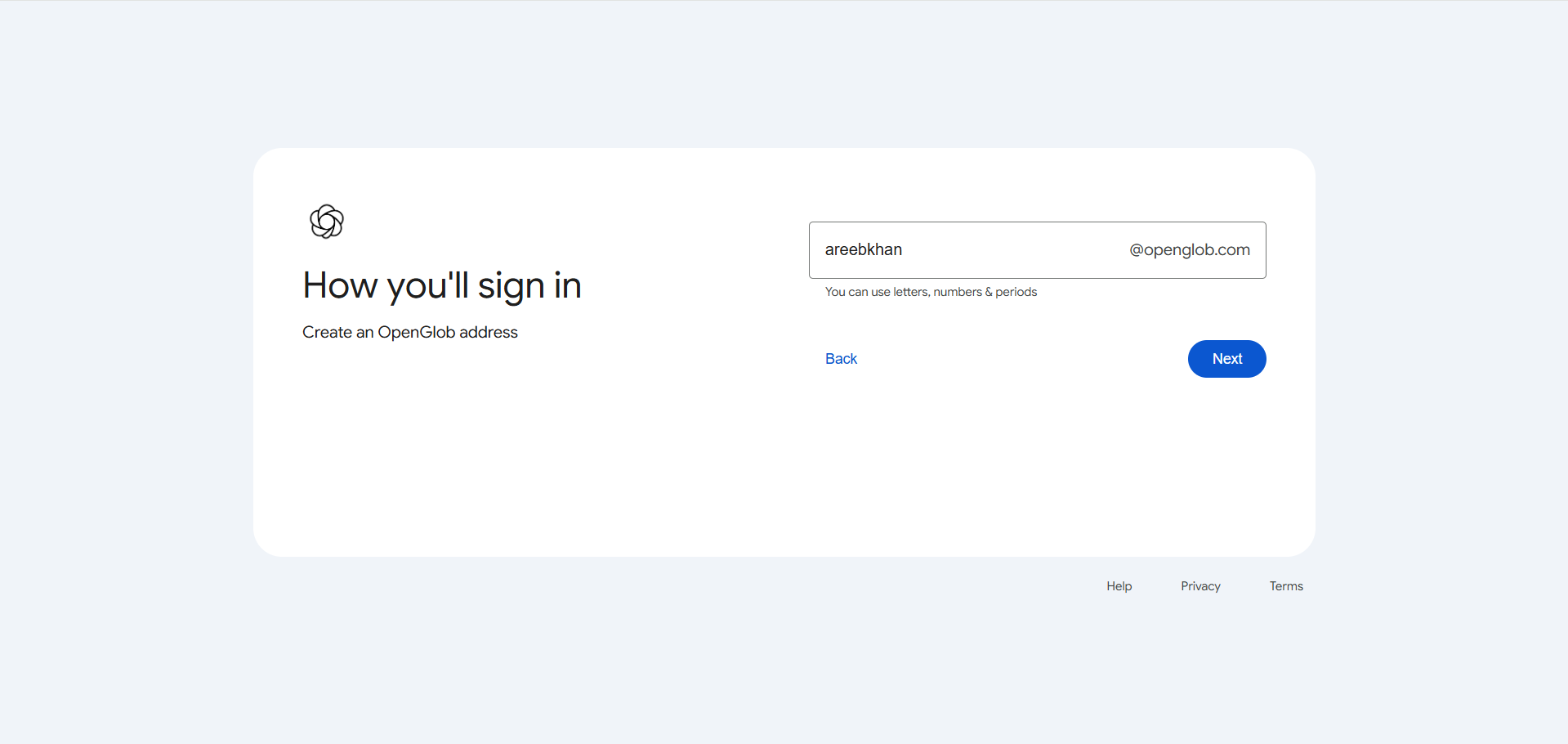
After entering your email and password, click the “Next” button to continue.
Depending on your session state, you may also see an account chooser screen. This appears if you have previously signed in on the same device or browser.
The account chooser allows you to quickly select an existing OpenGlob account without retyping your email.
Here is what that screen looks like:
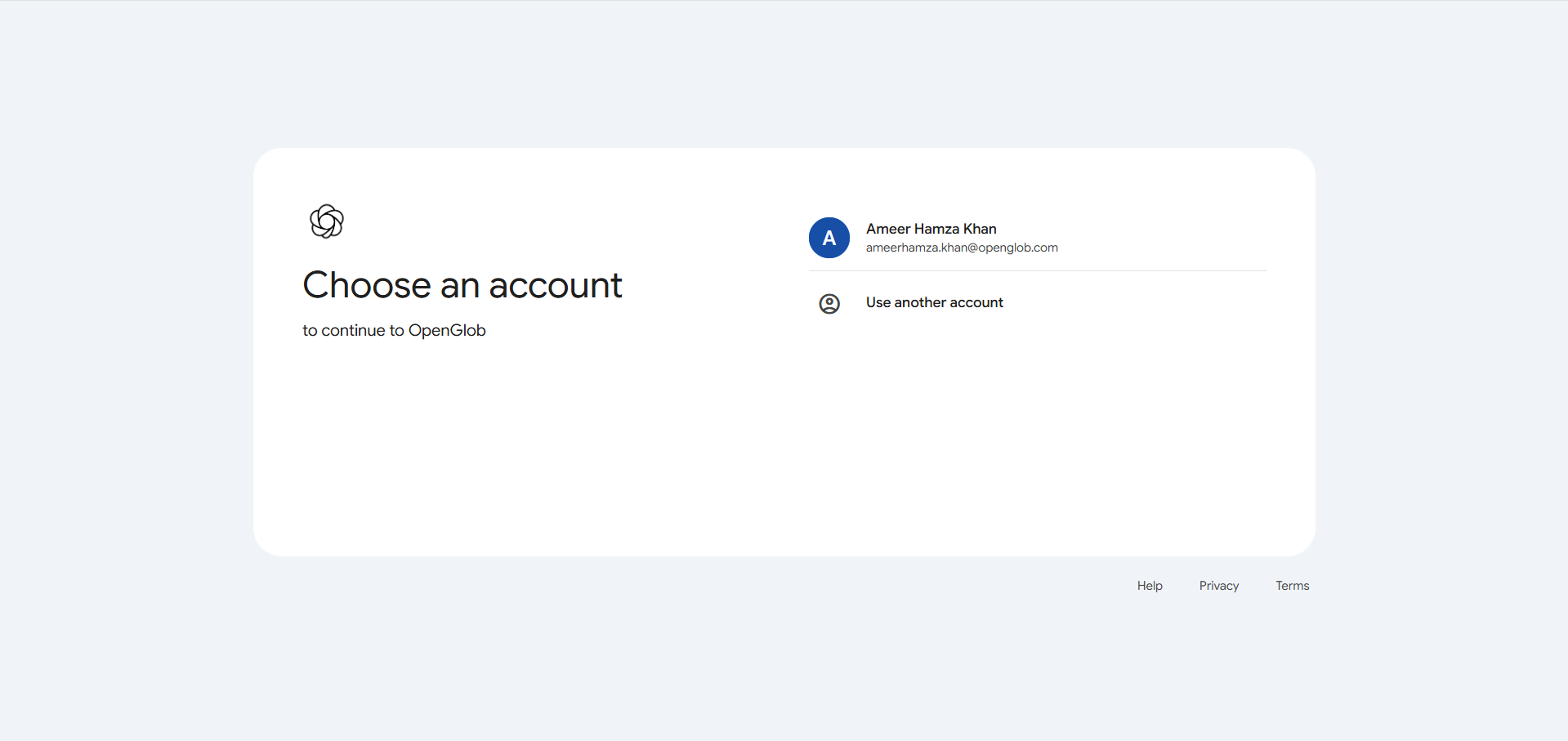
If your account appears there, you can simply click it to continue. If not, choose the option to use another account and enter your details manually.
Once signed in, you may be redirected to:
https://myaccount.openglob.com
This is your account area.
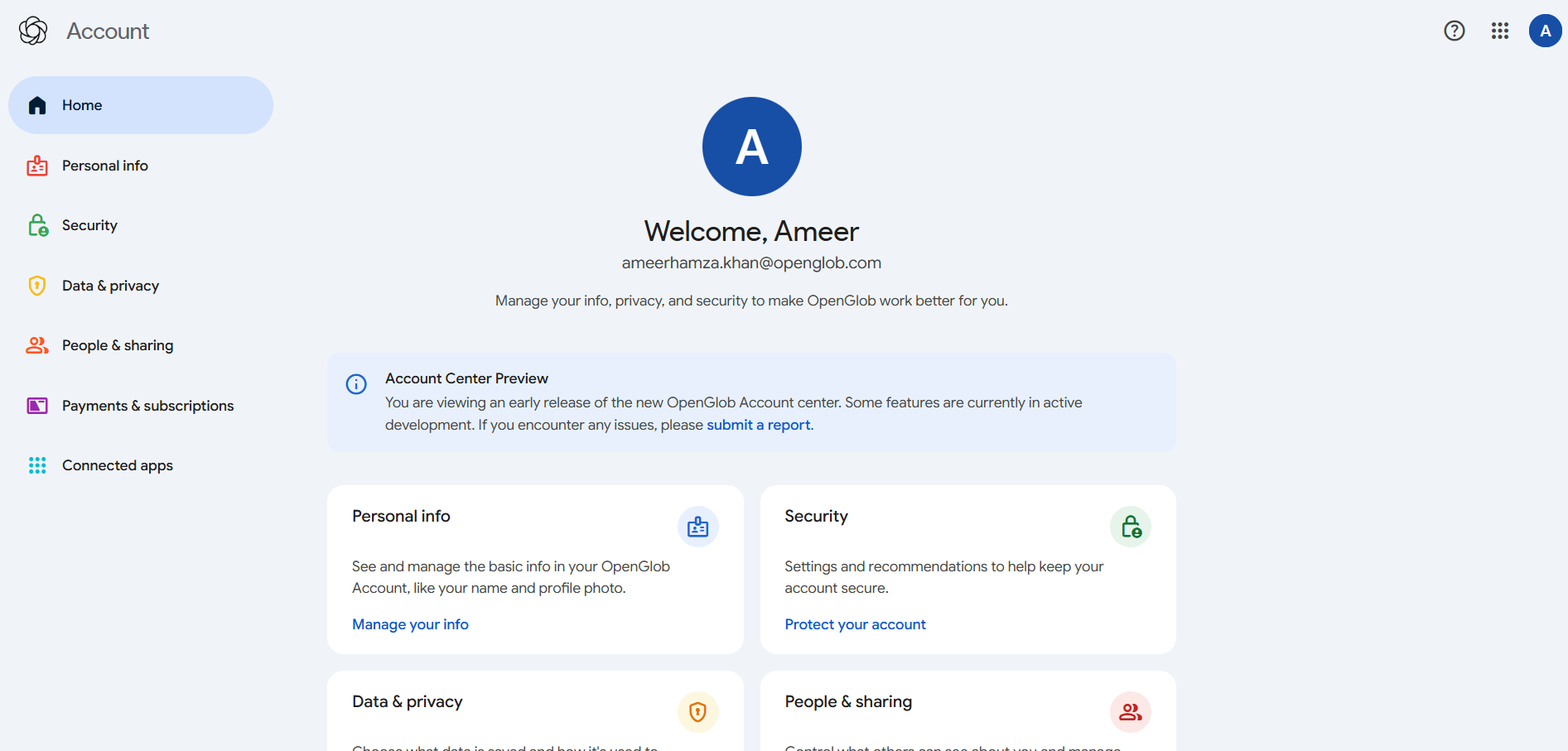
At the moment, OpenGlob is in preview. The account area currently allows you to view your basic account information and manage core identity settings. Some advanced features such as two-factor authentication and expanded security controls are still under development and will be introduced in future updates.
Even though the system is evolving, your account is fully functional for accessing OpenGlob services.
For example, you can immediately visit:
Because OpenGlob uses a unified Single Sign-On system, you do not need to register again. Once you are signed in, your session can carry across supported OpenGlob services.
If you ever sign out, you can return to:
and log in again using the same email and password.
There is no separate registration process for individual OpenGlob applications. Your account is created once, and that identity continues to work as new services are introduced.
OpenGlob is being built carefully and incrementally. Features will expand over time, but your account created today will remain your permanent entry point into the ecosystem.
Creating your account is the first step.